 AX Stickers
Everything important,
securely within reach
Boarding passes, bookings, Wi-Fi codes, documents and access codes — stuck into one book that never leaves your iPhone.
Coming to the App Store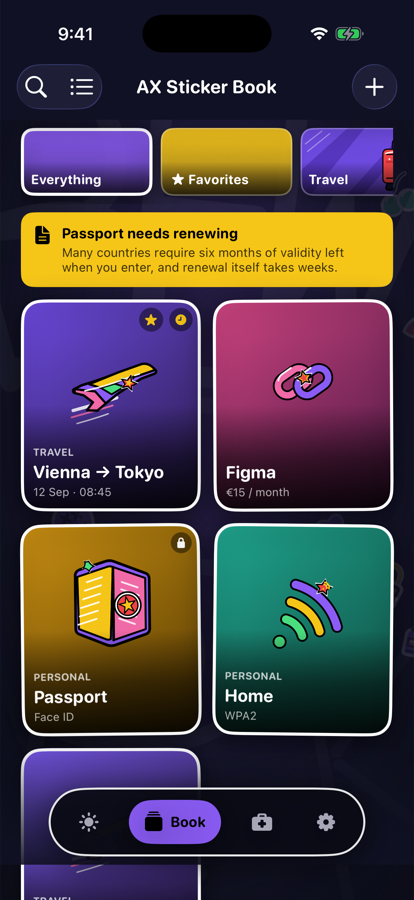
What it does
Eight kinds of sticker, one book, nothing uploaded anywhere.
Stick anything in
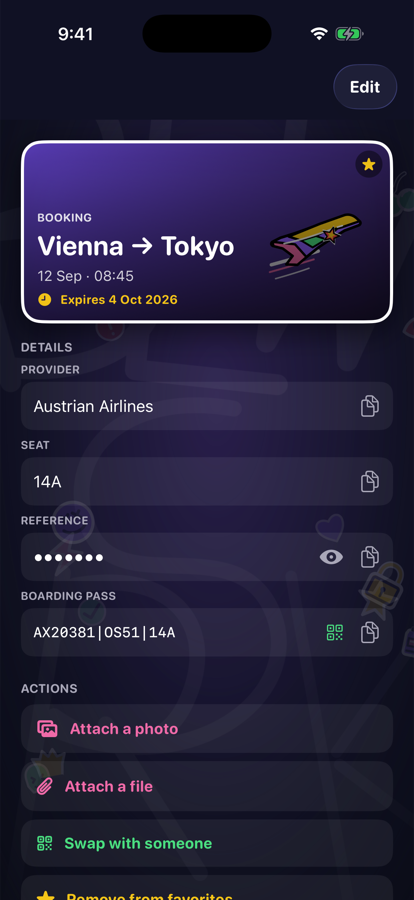
Bookings, QR codes, documents, links, contacts, Wi-Fi passwords, notes — or a custom sticker with whatever fields you need. Photos and PDFs attach to any of them.
Encrypted on your device
Everything is sealed with AES-GCM and a key that lives in the iOS Keychain and never leaves this iPhone. No account, no server, no analytics, no ads.
Private stickers
Mark a sticker private and it stays blurred even inside the app. Face ID reveals it for thirty seconds, then it hides itself again.
Swap without a server
Hand a sticker to someone else as an encrypted QR code on your screen. They scan it, type the code you tell them, and it lands in their book. Nothing passes through us.
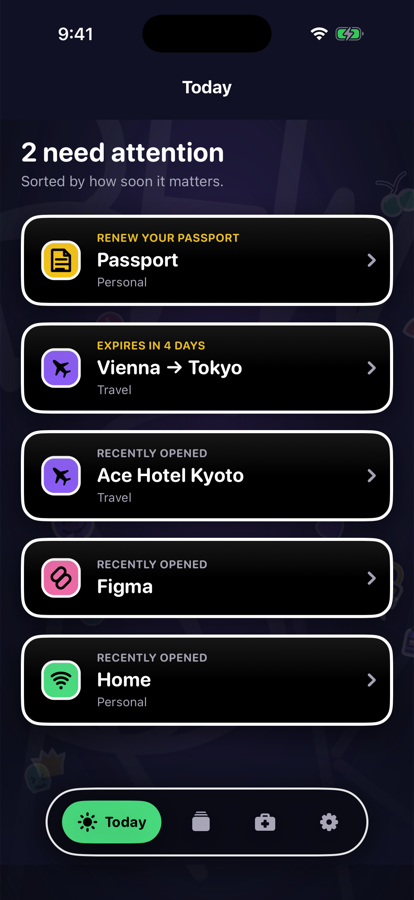
Renewal radar
“Expires” and “time to renew” are different dates. Many countries want six months of validity left on a passport — the book warns you long before the expiry date.
Emergency page
A contact, a medical card, insurance, an embassy number — readable straight from the lock screen, deliberately, for the moment when that is what matters.
Private by architecture
Not a promise in a settings screen — a consequence of how it is built.
Questions
The support page answers the common ones, and the privacy policy spells out exactly what is stored and where.
Anything else, or something broken?